
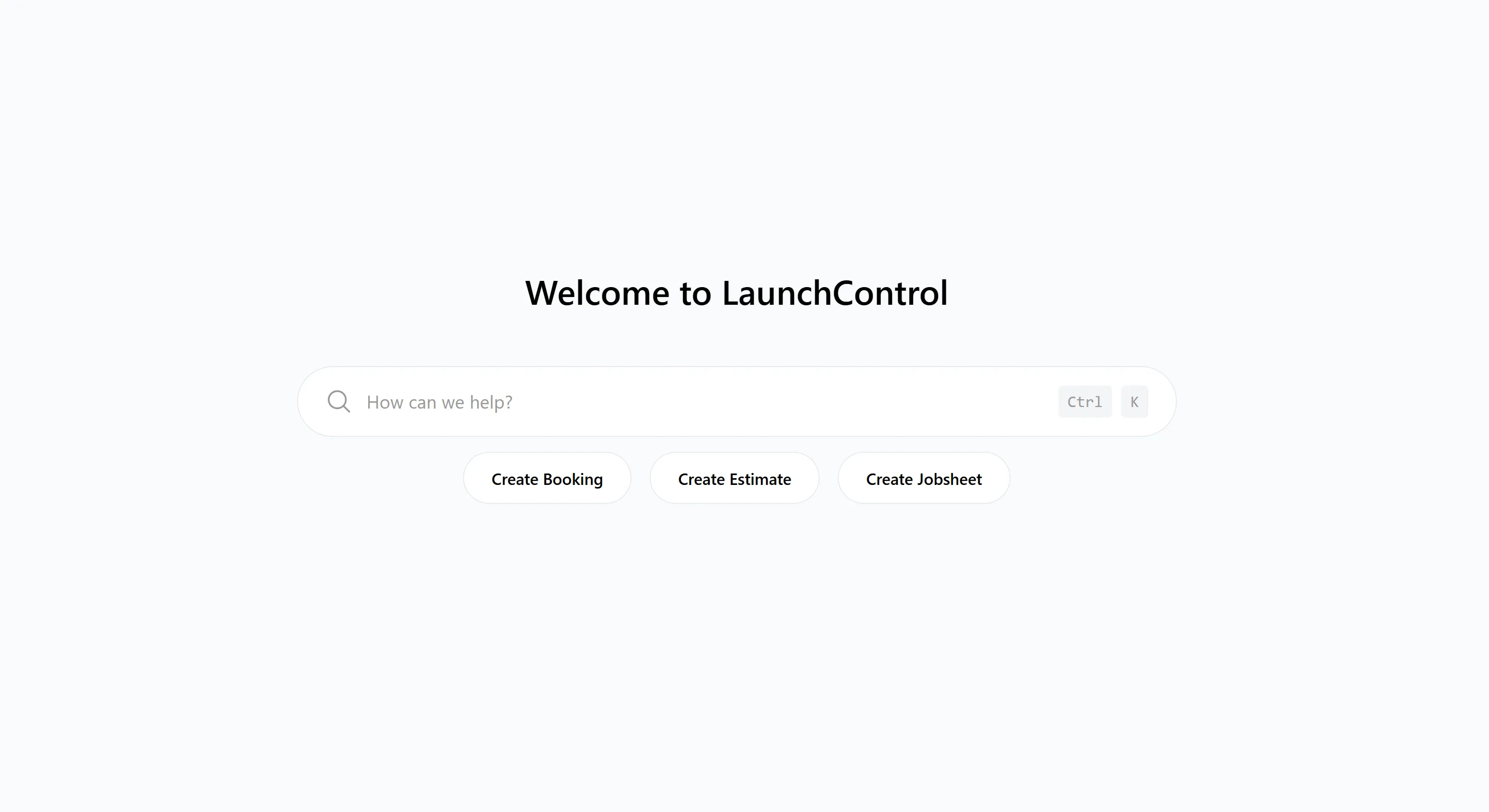
Garage Management Software: Getting Started with a GMS
Garage management software, often shortened to GMS, is the system a garage uses to manage bookings, job cards, customers, vehicles, estimates, invoices, reminders, and parts ordering.
For an independent garage, the point is simple: less time chasing paperwork, fewer missed follow-ups, and a clearer view of what is happening in the workshop. A good system should help you run the jobs you already do every day, not force you to rebuild the business around software.
This guide explains what a GMS should do, why it matters for smaller garages, and how to start using one without creating more admin than you remove.
What Is Garage Management Software?
Garage management software is the operational system behind the workshop. It replaces the paper diary, handwritten job cards, spreadsheets, separate supplier portals, and manual reminder lists with one shared place for the team to work.
At minimum, a useful GMS should help you:
- Book vehicles into the diary
- Create job cards or jobsheets
- Store customer and vehicle records
- Build estimates and record approvals
- Keep approved labour, parts, notes, photos, and inspection results against the jobsheet
- Create invoices from completed jobsheet data
- Track reminders for MOTs, services, advisories, and follow-up work
- Keep a clear record of what was done, when, and by whom
That last point matters. The value of a GMS is not just that it is digital. The value is that the same information follows the job from booking to invoice, so the team is not retyping details or trying to remember what happened.
Why Independent Garages Need a GMS
Most independent garages already have enough technical skill. The pressure is usually admin: phones ringing, approvals waiting, parts to price, customers asking for updates, invoices to finish, and reminders that only happen if somebody remembers.
Those problems are not dramatic on their own, but they cost time every day.
- A job card gets moved, lost, or left on the wrong desk
- A technician finds extra work but the approval trail is unclear
- A customer rings for an update and the latest note is not easy to find
- Labour or parts are missed when the invoice is built later
- A service, MOT, or advisory reminder is forgotten
- A booking enquiry arrives out of hours and is picked up too late
A garage management system gives the workshop one place to check the truth. The owner, service advisor, and technicians can see what is booked, what is in progress, what is waiting for approval, what parts have been ordered, and what still needs invoicing.
For a small garage, that visibility is often the biggest win. You do not need a more complicated business. You need fewer things living in people's heads.
What Should a GMS Actually Include?
Do not choose a system because the feature list looks long. Choose it because the core workflow makes sense for the way your garage works.
Diary and Booking
The diary should show what is booked, when it is due in, what work is expected, and who is responsible for it. If online booking is included, new bookings should feed into the same workflow instead of sitting in a separate inbox.
Digital Job Cards
The job card is the centre of the system. It should hold the customer concern, vehicle details, approved labour and parts, technician notes, photos, inspection results, estimates, approvals, and invoice information.
If technicians use phones or tablets, check that they can record progress, complete tasks, add notes and photos, and carry out inspections from the workshop floor. They should not need access to pricing, invoicing, or admin tools just to update their part of the job.
Customer and Vehicle History
Every visit should build the customer and vehicle record. When that customer comes back, you should be able to see previous jobs, invoices, estimates, inspection notes, reminders, and recommended work without searching through paper files.
Estimates, Approvals, and Invoices
A practical GMS should let you build an estimate from the job card, send it to the customer, record what was approved, and create the invoice automatically from the completed jobsheet. This reduces retyping and cuts down on missed labour or parts.
Reminders
Reminders are where many garages leave money on the table. MOTs, services, advisories, tyres, cambelts, air conditioning, and seasonal checks can all become repeat work if they are tracked properly.
The important part is control. You should be able to see which reminders are due, which have been sent, and which customers have opted out of email or SMS.
Customer Portal and Online Booking
Customers increasingly expect to book, approve work, and find documents without phoning the garage. A customer portal should make those jobs easier for the customer and easier for the workshop.
With LaunchBay, customers can book online, request estimates, approve work, view service history, and access documents through your workshop website.
Supplier and Accounting Integrations
Integrations are useful when they remove repeated manual entry. Parts ordering, tyre supply, accounting, payment, and technical data integrations should connect to the job workflow rather than becoming another separate screen to manage.
LaunchControl includes integrations for LKQ Euro Car Parts, Bond International, Xero, Dojo, and more. Some partners still require your own supplier, payment, accounting, or technical data account.
How to Get Started with a GMS
The worst way to move to a GMS is to spend weeks trying to make the system perfect before anyone uses it. Start with the workflow that happens every day and improve from there.
1. Set Up the Basics First
Before you create live jobs, check the boring but important details:
- Business name, address, VAT details, and invoice settings
- Labour rates and common work types
- Opening hours and diary structure
- Basic customer communication settings
- User access for the people who will actually use the system
This does not need to take long, but it prevents confusion once the first real job is in the diary.
2. Start with Current Jobs
Use the system on a few live jobs instead of creating lots of test data. Add the customer, vehicle, work required, and approved labour or parts. Let technicians use their side of the workflow for progress, tasks, notes, photos, and inspections. This shows the team how a real job moves from booking to invoice without giving technicians admin work they should not own.
Keep the old process nearby for a short period if that helps confidence, but do not run two full systems for months. That only creates more work.
3. Move the Diary Next
Once job cards feel natural, move the diary into the system. This gives everyone a shared view of the week and makes the GMS the place where work starts.
Make one person responsible for keeping the diary clean at first. If everyone edits bookings differently, the system will feel messy even if the software is fine.
4. Let the Jobsheet Create the Invoice
The invoice should be created automatically from the completed jobsheet. This is where time savings become obvious, because approved parts, labour, notes, and customer approvals are already attached to the job.
It also improves accuracy. The person invoicing is not rebuilding the job from memory at the end of the day, and the technician is not expected to add chargeable work lines to the jobsheet.
5. Add Customer Communication
Once the core workflow is working, add customer updates, estimates, approvals, and reminders. This is where the system starts reducing phone calls.
Start with simple messages first: booking confirmations, estimate approval requests, completed job updates, and reminder emails. You can refine the wording later.
6. Add Online Booking and Integrations
Online booking, parts ordering, tyre supply, accounting, payments, and the customer portal become more valuable once the job data is already reliable.
Do not switch everything on just because it exists. Switch on the tools that remove a real task from the workshop.
How to Choose the Right Garage Management Software
Before choosing a system, ask practical questions:
- Is it easy enough for the team to use during a busy workshop day?
- Does it work properly on phones and tablets?
- Can technicians record progress, complete tasks, add notes, and upload photos without seeing pricing or admin tools?
- Can you create estimates, record approvals, and automatically create invoices from the same jobsheet?
- Does it support reminders for the work you actually want back?
- Can customers book online and approve work without a phone call?
- Are parts, tyres, accounting, payments, and technical data connected where you need them?
- Are there per-user fees, setup fees, module fees, or long contracts?
- Can you export your data if you ever need to leave?
- Can you try the system with your own jobs before paying?
The right GMS should make the garage easier to run in the first few weeks. If it needs a consultant, a long setup project, or a completely new way of working, it may be too heavy for a smaller independent workshop.
Common Mistakes to Avoid
Trying to Import Everything on Day One
Clean data matters, but a huge import is not always the best starting point. Many garages get better results by importing the basics, then cleaning customer and vehicle records as real bookings come in.
Letting Everyone Invent Their Own Process
Agree how jobs should be named, how notes should be written, when photos should be added, and who updates statuses. A GMS works best when the team uses it consistently.
Ignoring the Technicians
If technicians cannot record progress clearly, the office still has to chase information. Keep their workflow simple: view the job, add notes or photos, complete tasks, run inspections, and flag issues clearly.
Switching on Automation Too Early
Automated reminders and customer updates are useful, but only when the underlying data is clean. Get the basic job and customer records right first.
Why LaunchControl Fits Independent Garages
LaunchControl is built for independent garages, tyre centres, mobile mechanics, solo operations, and growing workshops that want a straightforward system rather than enterprise software.
It brings the main workshop workflow into one subscription:
- LaunchControl for diary, job cards, customers, estimates, invoicing, reports, reminders, and supplier integrations
- LaunchPad for technicians using phones or tablets in the workshop
- LaunchBay for your workshop website, online booking, customer portal, estimate approval, tyre search, and service history
- Apollo AI for searching records, finding the right screen, creating customers, vehicles, bookings, estimates, and jobsheets faster
The pricing is designed for independent workshops: a flat monthly subscription per location, unlimited users, no setup fee, no per-seat fees, and no long-term contract. Some third-party services, such as SMS, postcode lookups, supplier accounts, payment providers, accounting software, or technical data licences, may have their own costs or account requirements.
Start with the Work You Already Do
The best way to start with garage management software is not to redesign the whole workshop. Start with the work you already do every day:
- Book the vehicle in
- Create the job card
- Add approved labour and parts to the jobsheet
- Send the estimate if extra work is needed
- Record approval
- Record technician progress, notes, photos, tasks, and inspections
- Complete the job and create the invoice automatically from the jobsheet
- Set the next reminder
Once that flow is digital, the rest becomes easier. The diary is clearer, records are easier to find, invoices are more accurate, and customers are easier to keep informed.
A useful GMS should not add another layer of work. It should make the workshop easier to run.
LaunchControl is garage management software for independent workshops. One subscription includes job cards, online booking, invoicing, reminders, parts ordering, a customer portal, a technician app, and integrations. Start your free 28-day trial and try it with your own jobs.